OBD diagnostic accessories and software support vehicle diagnostics beyond the scan tool itself. This category brings together connection cables, diagnostic software licences, information-system access, vehicle-specific plugins and inspection cameras, so the right choice depends on both your equipment and the job you need to carry out.
Check tool and vehicle compatibility
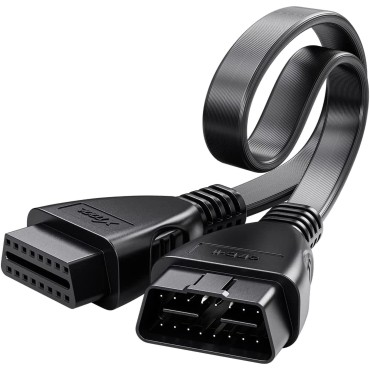
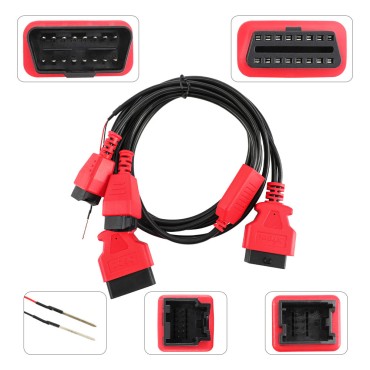
Before choosing an extension or trailer test cable, confirm that its connector and intended use match your diagnostic tool and the vehicle system being tested. For software licences and information access, verify the supported tool family and whether the licence covers the functions you require.
Vehicle-specific plugins are not universal add-ons. Check the stated vehicle or feature application and the diagnostic platform they are intended to work with before selecting one.
Choose software access for your workflow
The software options include CARS and TRUCKS access, along with information-system licences. Compare the vehicle types and diagnostic tools specified for each option, then check the licence period and whether it provides the information or functions needed for your workshop tasks.
Consider inspection cameras for visual checks
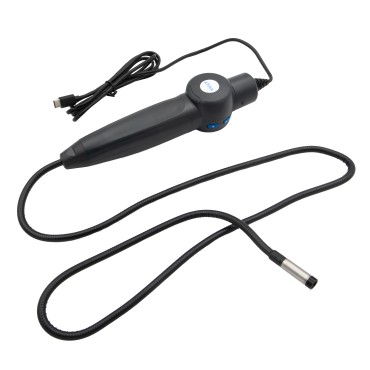
Borescopes with built-in displays can help inspect areas that are difficult to view directly. Compare the camera-head size and display arrangement with the access point and inspection task, and make sure the camera can be used in the space you need to examine.