
In stock
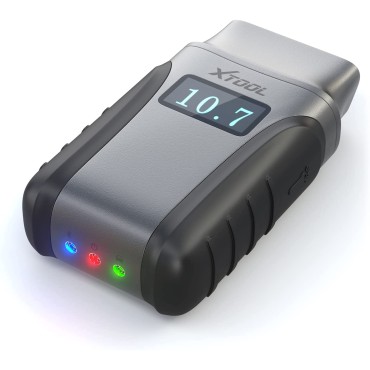
Anyscan A30 Wireless OBD II Diagnostic Scanner for iOS and Android
€150.60 Excl. VAT€180.72 Incl. VAT
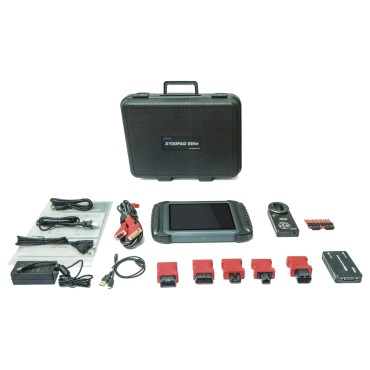
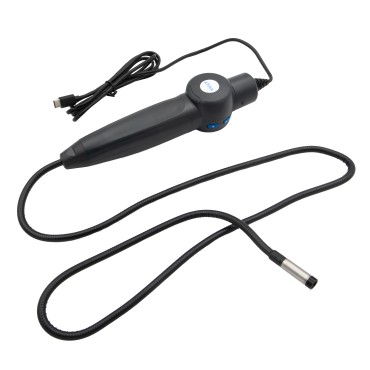
Diagnostics and programming equipment supports fault investigation and selected vehicle-key tasks in the workshop. This category brings together OBD diagnostic tools, related accessories and software, car key copying equipment, and inspection cameras. Choose equipment according to the vehicle and task you need to handle, rather than assuming one tool covers every diagnostic or programming need.
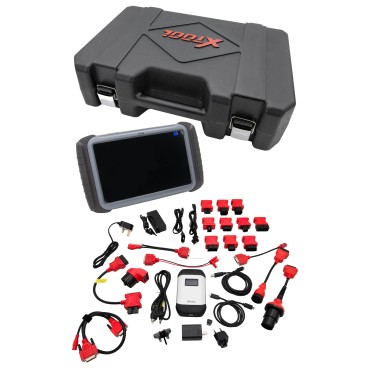
Start by checking the vehicle type and the work required. The examples include OBD tools for cars, a truck error-code reader and a diagnostic tablet described for electric and new-energy vehicles. Verify the tool’s stated coverage and functions before choosing it for a particular vehicle or repair workflow.
If a diagnostic tool depends on software, check that the software is intended for that device and note the licence term. This category includes software licences with different durations for an ICON diagnostic tool; the appropriate term depends on how long you need access.
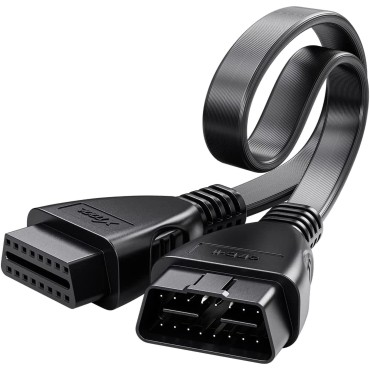
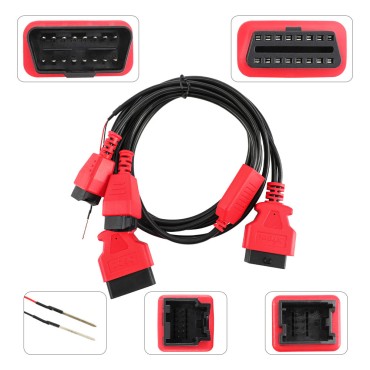
Accessories can affect how a diagnostic tool connects to a vehicle. Compare the connection type and required cable length with your setup, and confirm that an accessory is intended for your chosen scanner.
For visual inspection in restricted spaces, the examples include video borescopes with different camera-head sizes and displays. Consider the access opening, viewing setup and inspection area when selecting one.
Key copying and cutting equipment serves a different purpose from fault-code diagnosis. If your work includes vehicle keys, check the machine’s supported key types and available code or duplication functions before selecting equipment.